
How Autonomous Agents Are Replacing Traditional Workflows
SynthralOS Team
Product & Platform
Introduction
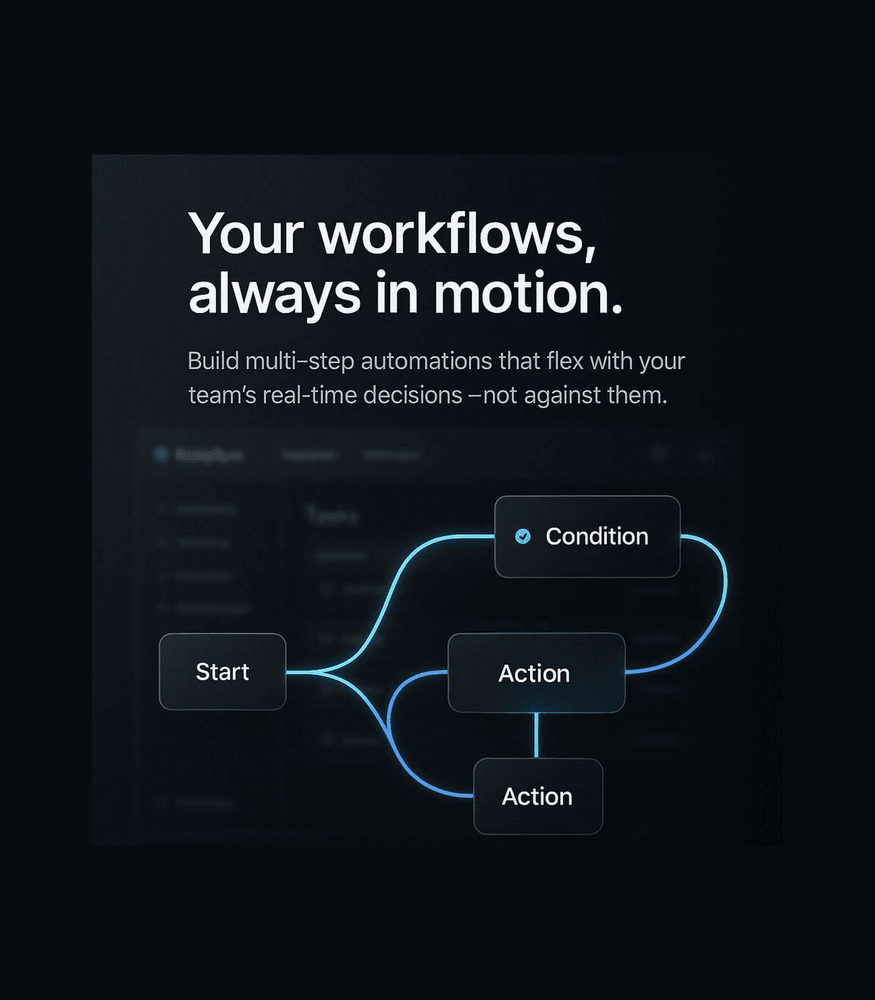
For years, teams have relied on a mix of no-code builders, automation tools like Zapier, and custom frontend layers to ship internal tools or customer-facing workflows. While these stacks are great for prototyping, they fall apart the moment complexity enters the equation.
AI-native apps change the game entirely. Instead of stitching tools together, teams build on a unified OS where logic, memory, reasoning, and automation coexist in one place. No glue code. No brittle integrations. No maintenance overhead.
In this article, we’ll explore why AI-native development is quickly becoming the preferred choice for fast-moving engineering teams.
1. Glue-Code Automations Don’t Scale
Zapier, Retool, and other no-code tools help teams move fast — until the stack grows beyond simple triggers.
As workflows increase in complexity, these issues start appearing:
- Conditional logic becomes hard to manage
- Long-running workflows tend to break
- Error handling is inconsistent
- Debugging becomes guesswork
- Dependencies grow like vines
Teams eventually find themselves spending more time fixing automations than using them.
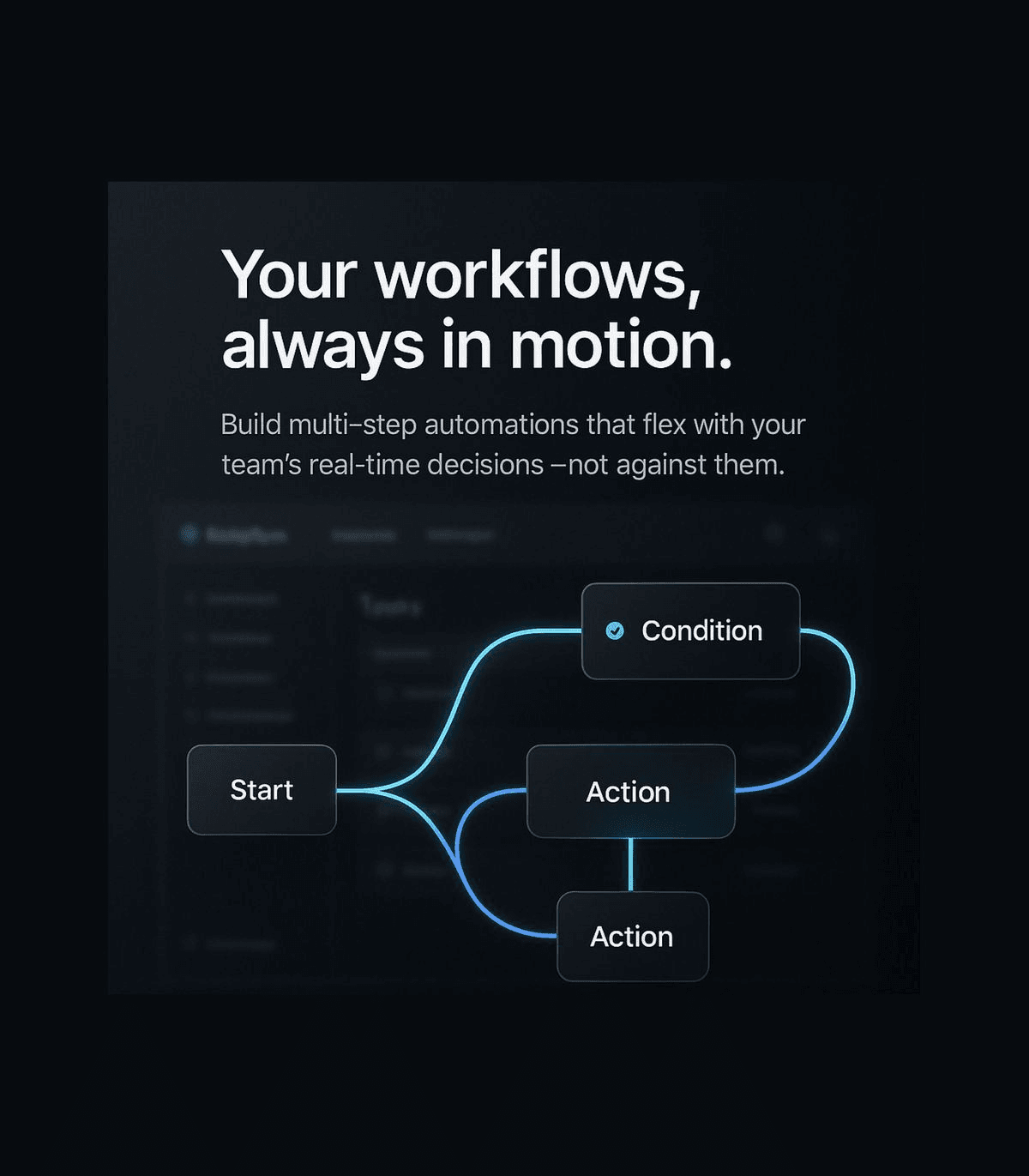
AI-native apps eliminate this fragility by letting agents interpret context, adapt to changing states, and self-correct when workflows evolve.
2. AI Agents Can Think, Not Just React
Traditional automations fire only when the right conditions are met. They don’t reason. They don’t understand intent. They don’t adapt.
AI-native systems built on SynthralOS, however, leverage: Autonomous agents capable of decision-making RAG-powered understanding for contextual tasks Memory layers to track user or system history Self-healing workflows to recover from failures
Instead of brittle rule-based triggers, you get reasoning-driven execution — an entirely different paradigm.
3. One Unified Stack — No More Tool Soup
A typical no-code stack looks like this: Retool UI → Custom scripts → Zapier automations → Database → APIs → Hand-built frontend
Every piece introduces:
- New maintenance requirements
- Latency
- Error points
- Compatibility issues
- Vendor lock-in


